

Scalable Video Creation,
Powered by Automation
Turn After Effects projects into dynamic video templates. Connect your data, generate variations, and give users the power to personalize final results — all in one platform.
Simplifying Video Automation
Across Industries & Use Cases.
Create Video Templates or Import from After Effects
-
Design from scratch with video clips, audio, text, images, and graphics directly in the platform.
-
Import After Effects animations via LottieFiles as full templates or as individual design elements.
-
Add locking to protect key elements when enabling end-user customization in the editor.


Tag Dynamic Elements and Connect Your Data Source
-
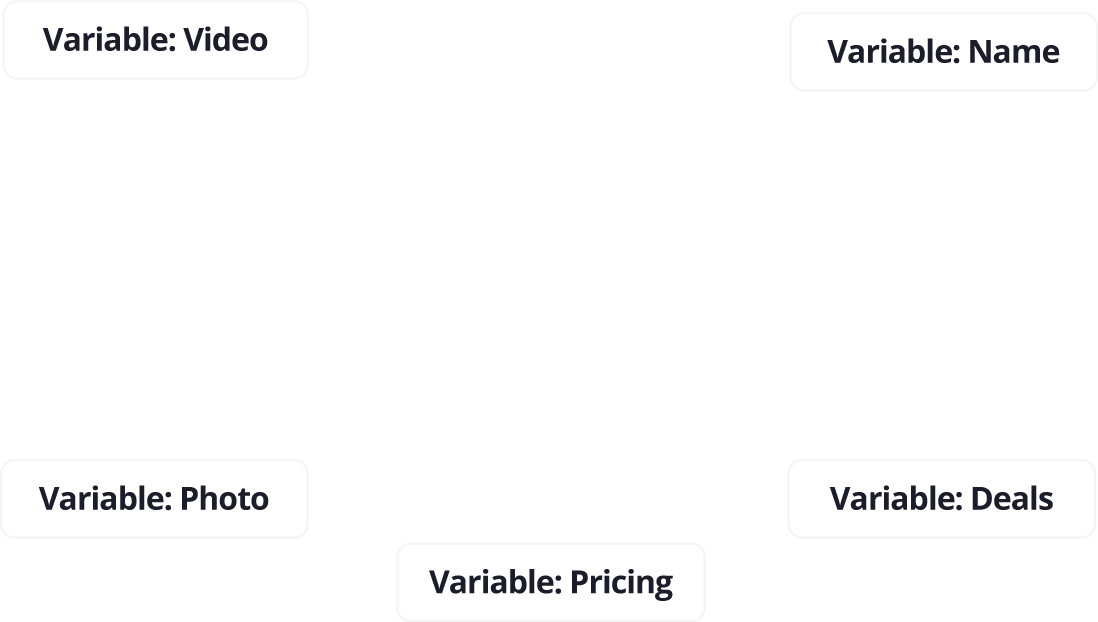
Tag variable elements like logos, text, audio, and images directly within templates.
-
Connect data sources via API (sourced from CSV, CRM, eCom Platforms) to automate at scale.
-
Use AI-generated content to dynamically populate video templates.
Generate and Render Countless Video Variations with Ease
-
Automate video creation for localization, ads, digital signage, personalization, and more.
-
Leverage cloud-based rendering for high performance, consistent quality, and enterprise-grade security.
-
Export videos in .mp4 and .webm formats and distribute them across any channel.
Give End Users the Power to Personalize
-
Combine automation and editing in one seamless experience with Design Huddle’s all-in-one video platform.
-
Embed the white-label editor into your site or platform to offer click-to-customize functionality.
-
Let users personalize only the design elements you choose - like text, media, and colors.
Planning Center Increases Custom Video Production 26-Fold with Design Huddle
Discover how Planning Center increased daily custom video production 26-fold and boosted app engagement by leveraging Design Huddle's video automation.
Read MoreVideo Automation FAQs
What is video automation?
Video automation is the process of generating personalized videos at scale using templates and dynamic data. It eliminates manual editing by automating tasks like inserting names, images, pricing, or other content into pre-designed video templates.
What are common use cases for video automation?
Video automation is used across industries for dynamic digital signage for multiple locations, personalized video ads and social content, real estate property videos with agent details, localized promotional videos for retail chains, eCommerce product videos with updated pricing and specs, onboarding or welcome videos in SaaS or education, and event invites and countdowns.
What are the benefits of using video automation?
Video automation offers several key benefits including scale (generate thousands of videos in minutes), consistency (keep visuals and messaging on-brand), speed (cut production time from weeks to hours), personalization (tailor content for every viewer, region, or product), and efficiency (automate repetitive production tasks and reduce costs).
How does Design Huddle support video automation?
Design Huddle allows you to create or import video templates (including from After Effects), tag dynamic variables, connect your data source via API (sourced from CSV, CRM, eComm), and automatically generate video variations at scale. You can even embed our editor so users can personalize their own videos.
Can I import After Effects projects into Design Huddle?
Yes! You can import After Effects motion graphics via LottieFiles and use them as full templates or as individual animated elements within a template.
Can users edit videos after they're generated?
Yes! With Design Huddle's white-label editor, you can allow users to customize specific elements of their video — like text, media, and colors — without compromising the overall design. You control what's editable through locking features.
What video formats does Design Huddle support for export?
Design Huddle supports exporting videos in .mp4 and .webm formats, making them easy to share across websites, social platforms, or video hosting services.
Is Design Huddle's video editor easy for non-designers to use?
Absolutely. The editor is designed for simplicity and ease of use. You can configure it so end-users only see and edit the fields you allow — no design or video editing experience required.
Can I automate localized videos for multiple regions or stores?
Yes! This is one of the most popular use cases. By connecting your location-specific data (store name, address, phone, local offer), you can automatically generate videos tailored to each region — perfect for franchises, retail chains, or global campaigns.