Distributed Marketing
Give locations, teams, partners, or franchisees self-service content creation while keeping brand rules protected.
Scale design, print, and video creation with template-based
editing and automation, accelerated with AI.
Trusted across every industry
Create, personalize, and scale content your way.
Give locations, teams, partners, or franchisees self-service content creation while keeping brand rules protected.
Generate sales catalogs, preview and edit personalized promotional products, and deliver production-ready files.
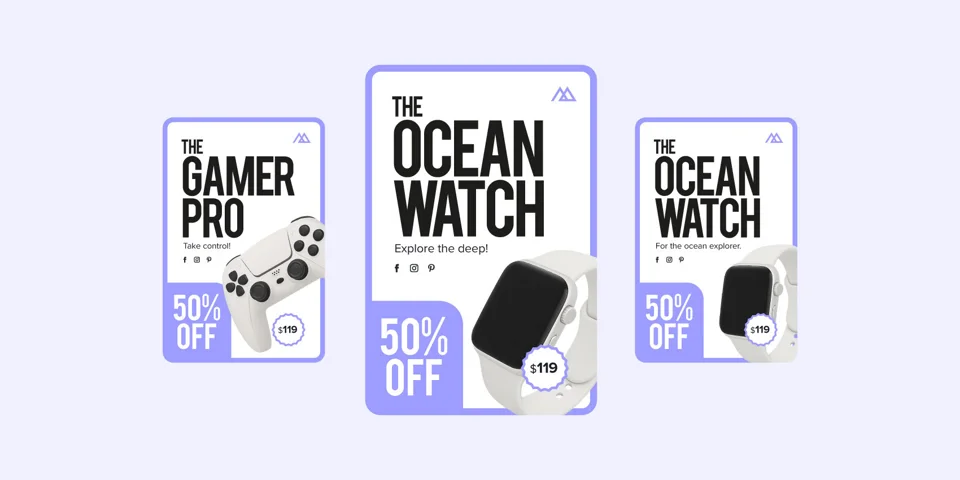
Fill multiple Smart Templates with data at once. Present the results as a gallery for selection and editing, or produce finished assets in bulk.
Let shoppers customize print products within the boundaries you set, then produce properly formatted, print-ready files.
Put white-labeled design and video editing directly inside your product without building the creative stack yourself.
Generate finished graphics, print files, PDFs, and videos entirely through APIs—no editor required.


 20%OFF20%OFF20%OFF
Produce consistent, personalized content from your templates and data.
Give users room to personalize while protecting the design.
Get production-ready content where it needs to go.
Launch quickly with a fully hosted portal branded with your company name, logo, colors, and domain.
Embed the Design Huddle editor into your website or platform and customize the experience with our JavaScript SDK and APIs.
Generate personalized graphics, print files, PDFs, and videos entirely through APIs—no editor or end-user design experience required.










The Design Huddle AI Suite
Create content, connect AI systems, build integrations,
and manage production workflows.
AI Creative Tools
Generate images, remove backgrounds, enhance visuals, and refine copy inside the Design Huddle editor.
MCP Server + WebMCP
Connect AI assistants to Design Huddle workflows through MCP, and let browser agents work alongside users through WebMCP.
Agent Skills
Give AI coding tools instructions to embed the editor, connect your data store, and integrate Design Huddle APIs faster.
Design Huddle Agent
Ask questions, pull reports, and manage Design Huddle workflows from the portal, Slack, or Teams.

“It’s rare to find a partner that delivers on both product and support at this level.”
Integrate MLS data to create personalized listing kits for agents, then let them make final edits within brokerage brand rules.
Connect customer-facing design to print production with controlled editing, variable data, and print-ready files.
Roll out campaigns across locations with local details built in and HQ-approved designs and videos kept intact.
Add design and video creation to your product with an embeddable editor and APIs, without building it all in-house.
Manage campaigns across clients and channels with shared assets, controlled templates, and faster production.
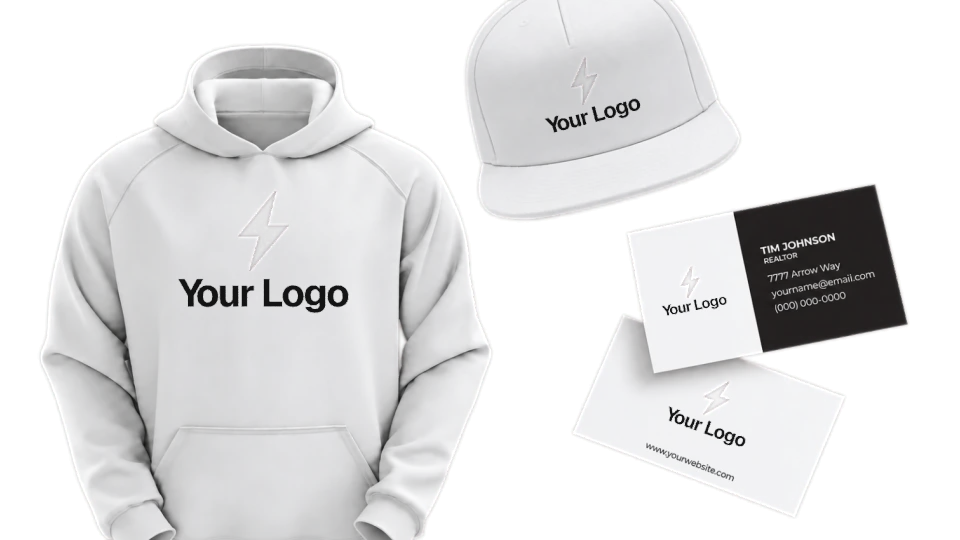
Apply customer logos across merchandise, show buyers product previews, and prepare artwork for production.
20%
Sales increase from customer-personalized real estate print products.
60% more customizable products
Read the Story80%
Franchisee adoption of self-service digital, print, and video marketing.
60% fewer one-off requests
Read the Story100%
Customer adoption of embedded video editing inside an advertising platform.
Read the Story
Design Huddle is a creative design and automation platform for scaling digital, print, video, and presentation content. It combines template-based editing, creative automation, and AI-powered workflows for distributed marketing teams, brands, agencies, real estate organizations, printers, promotional product companies, and SaaS platforms.
Yes. Launch a white-label hosted portal to get distributed teams, partners, or customers creating quickly, or embed Design Huddle in your application or storefront. You can also automate production through headless APIs—or combine all three approaches using the same templates, assets, and user permissions.
Create digital graphics, print materials, videos, and presentations—from social posts and listing kits to sales catalogs and personalized product artwork. Advanced print output includes vector PDFs, bleed, crop marks, CMYK, and spot colors.
Yes. Import designs from InDesign, Illustrator, Figma, Canva, and Claude using supported formats such as PDF, plus After Effects motion graphics through Lottie files. Add new creative whenever you need it, then configure editable elements, locking rules, and variable fields without developer work.
Yes. Automatically populate templates with customer, location, listing, or product data to generate personalized content at scale.
Smart Template Previews turn your template library into a personalized creative gallery, showing users designs already populated with their information and images. They can select a design and open it in the embedded editor for last-mile changes within your controls. Automate first. Edit when needed.
Yes. Manage multiple brands or accounts with separate templates, assets, and user access. Set roles, permissions, and access tiers for different user types, and define which design elements they can edit. Template controls and approval workflows help maintain brand consistency and production requirements.
Connect with CRM, DAM, MLS, PIM, ecommerce, and print production platforms through available connectors and custom API integrations. Bring data and assets into templates, then pass completed content into your next workflow—from personalized listing kits to product artwork ready for production.
Our team provides hands-on onboarding, template guidance, integration support, and training. Whether you’re launching a hosted portal, embedding the editor, or automating production, we’ll help you get your workflow up and running.
Design Huddle offers flexible pricing based on your industry, functionality, and usage—including user-, project-, and export-based models. Packages support ongoing teams, one-time product personalization, and automated production, so pricing fits your workflow rather than requiring a recurring seat for every end user.
Schedule a personalized demo tailored to your team or customers.